For the things you buy for your classroom
Classroom expenses.
All in one place.
Keep the receipts. Track what comes back.
From books to art supplies, keep purchases, vendor refunds, and reimbursements together. See what you spent and what is still out of pocket.
Coming to iPhone and iPad.
App Store release is being prepared.
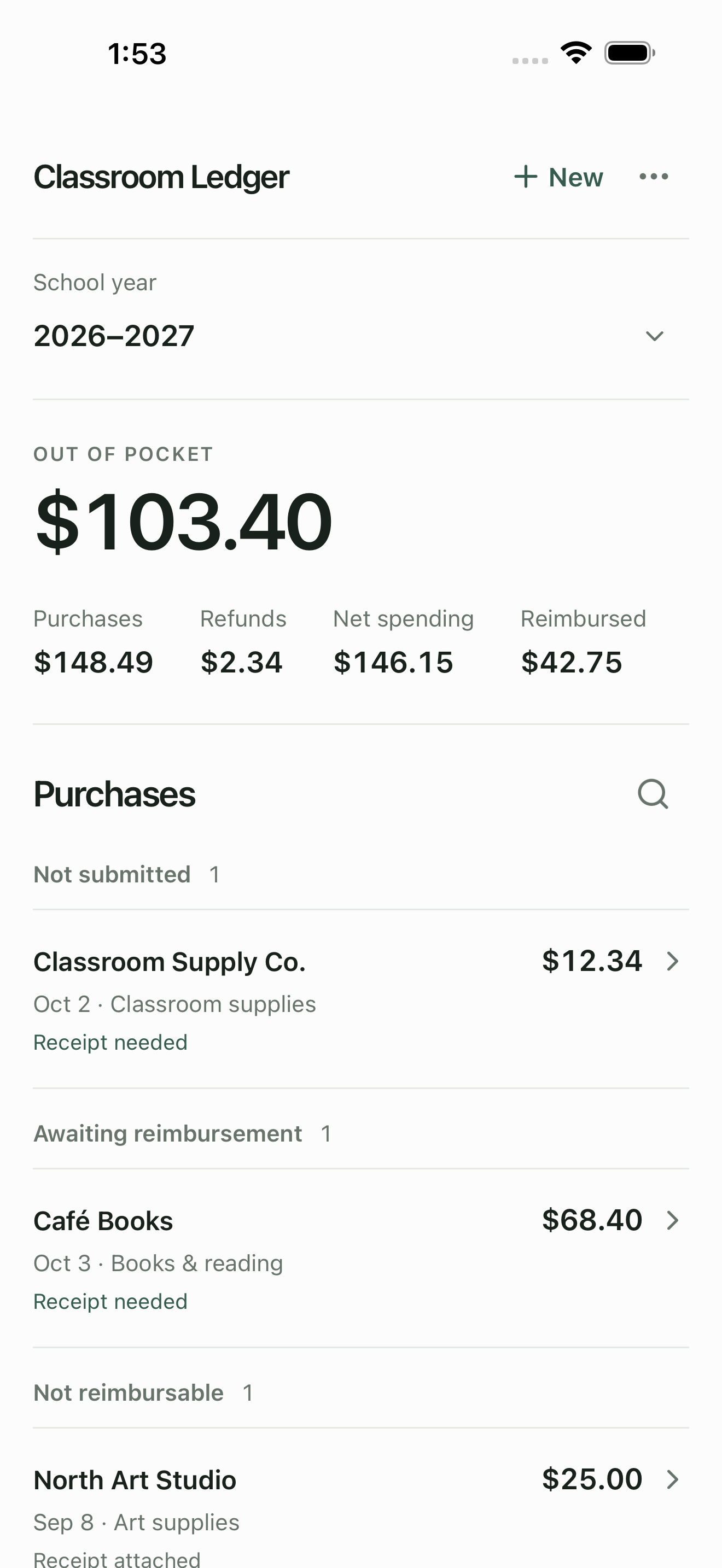
Keep the details together
Purchase dates, categories, notes, and the original receipts, attached to the right record.
Work wherever you are
Add and edit offline. Sync through your private iCloud storage when a connection is available.
Share a clear report
Create a PDF report, export a CSV, or save a portable backup with your records and receipts.
A simple routine
Less to keep track of.
More of the picture.
A place for the records you need, from the first purchase to the final reimbursement.
Record the purchase
Add the vendor, amount, date, and category. Photograph a receipt or attach an image or PDF you already have.
Follow the reimbursement
Track what has been submitted and what you have received. Record a vendor return or refund while keeping the original purchase.
Review your year
Switch between school year and calendar year. Review your totals and export the records when you need them.
A few useful details
Before you get started.
Do I need a separate account?
Normal app use does not require a Classroom Ledger account. Records are kept on your device; synchronization uses your Apple Account’s private iCloud storage when available.
Can I use it without an internet connection?
Yes. You can add and edit purchases offline. Pending changes wait for a connection and the intended iCloud ledger. Sync is separate from a portable backup.
Does it calculate tax deductions or submit claims?
No. Classroom Ledger is a recordkeeping tool. It does not determine tax deductibility or reimbursement eligibility, file taxes, submit reimbursement claims, or transfer money.
A clearer record of your classroom spending.
Questions about Classroom Ledger? Contact support.